DigiCert
Enabling IP Restrictions
IP Restrictions are enabled in the DigiCert control panel under Settings > IP Restrictions. We cannot define the IP Addresses to restrict to until we have enabled this option.
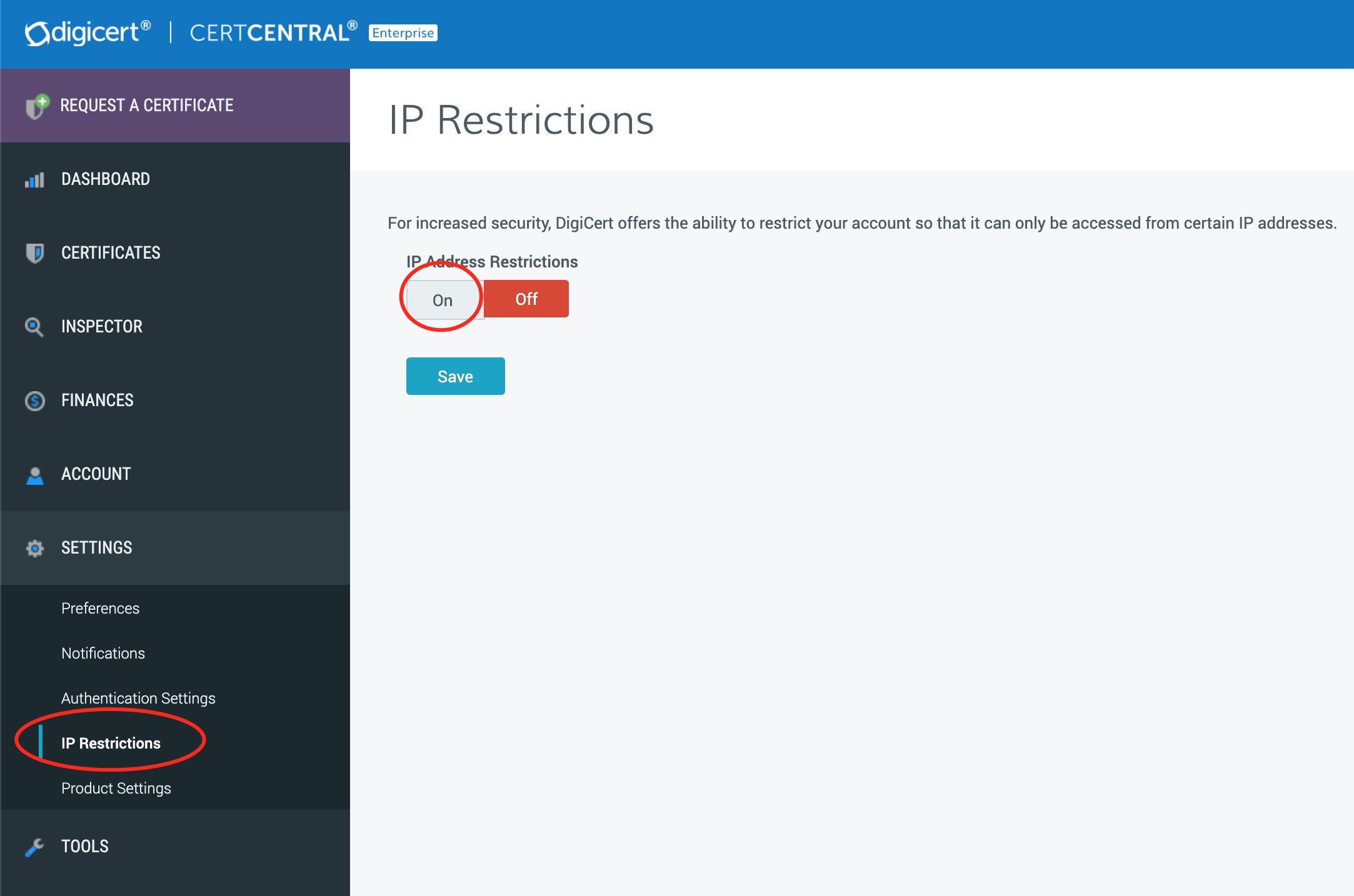
Once the option is enabled, we are able to add IP Addresses to restrict.
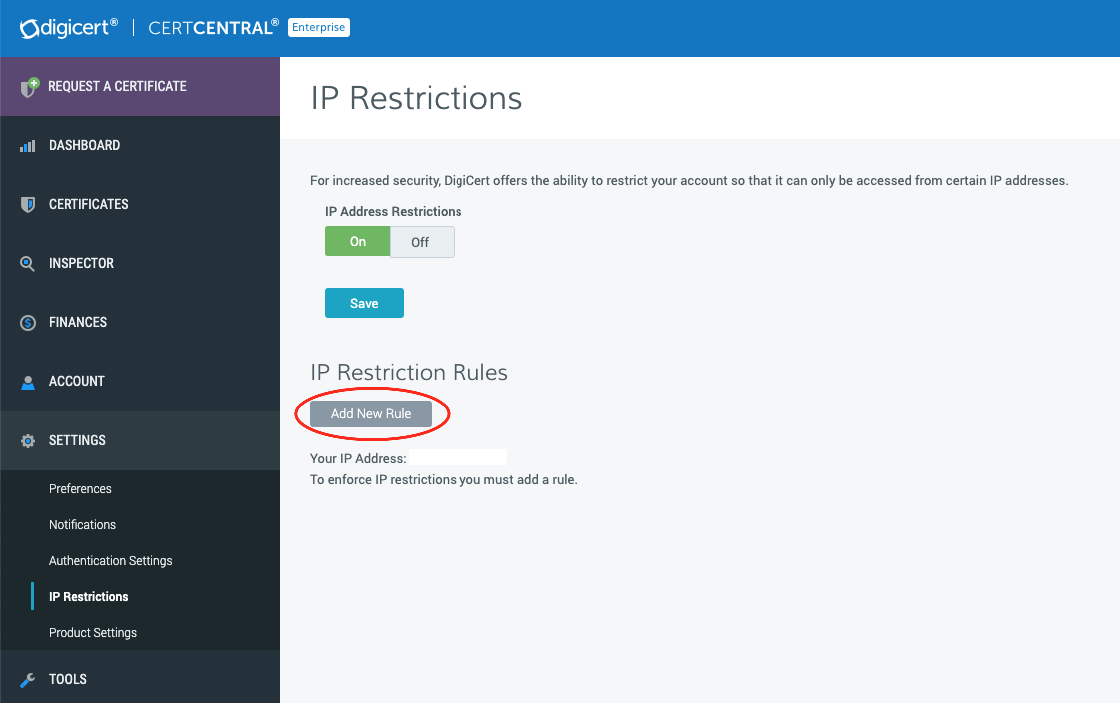
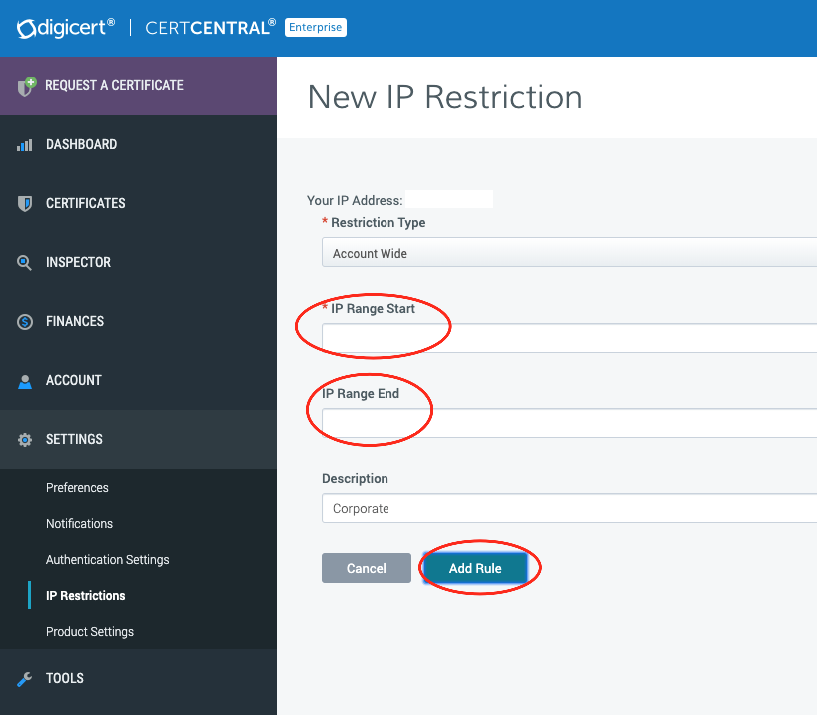
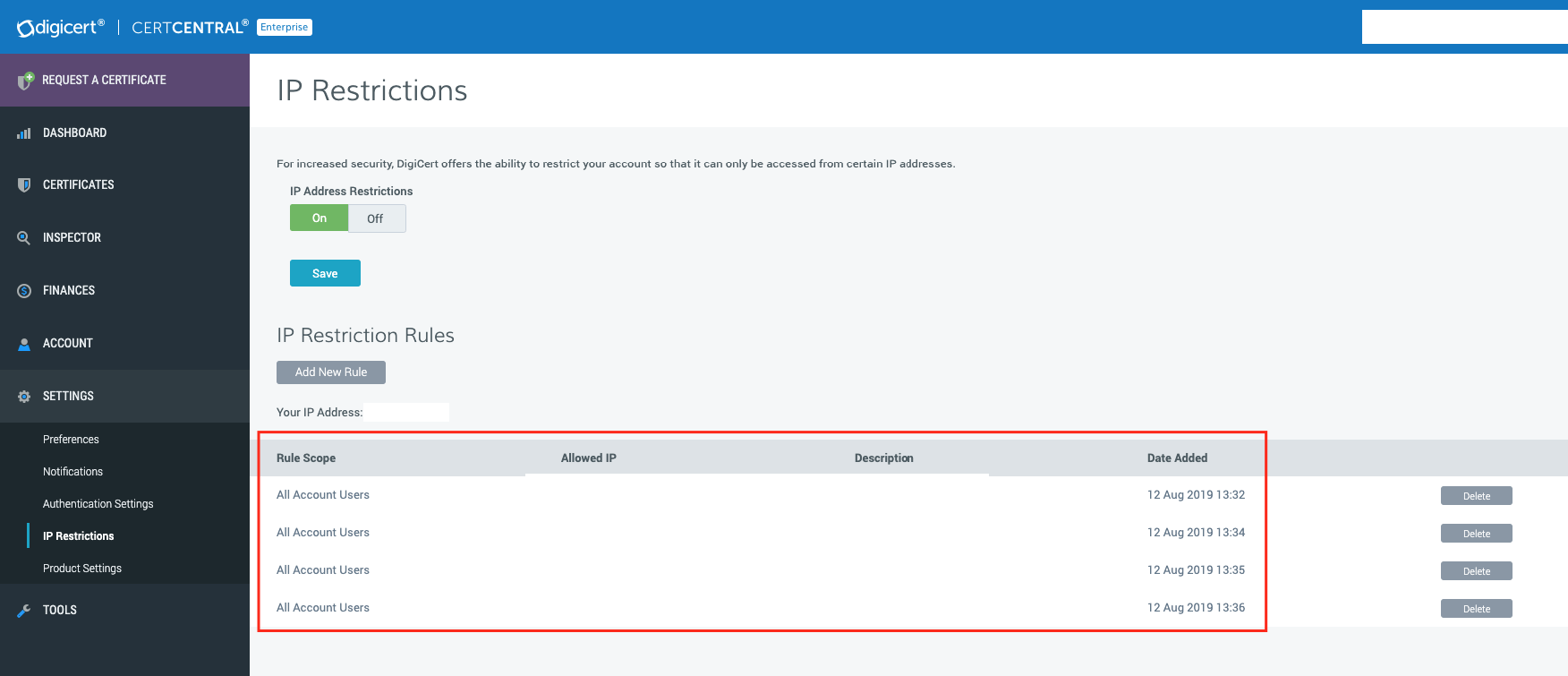
We will be adding all of our public IP Addresses.
Giving Access to DigiCert via Split-Tunnel
By default, we will be able to access the DigiCert control panel when working from the office. We need to add DigiCert's IP Addresses to our outside interface split-tunnel configuration so that we can access the DigiCert control panel when VPNing from outside the office. DigiCert uses static IP Addresses which are unlikely to change; however, if they do, we will not be able to access the DigiCert control panel through VPN until we update the split-tunnel configuration.
Change on ASA Example