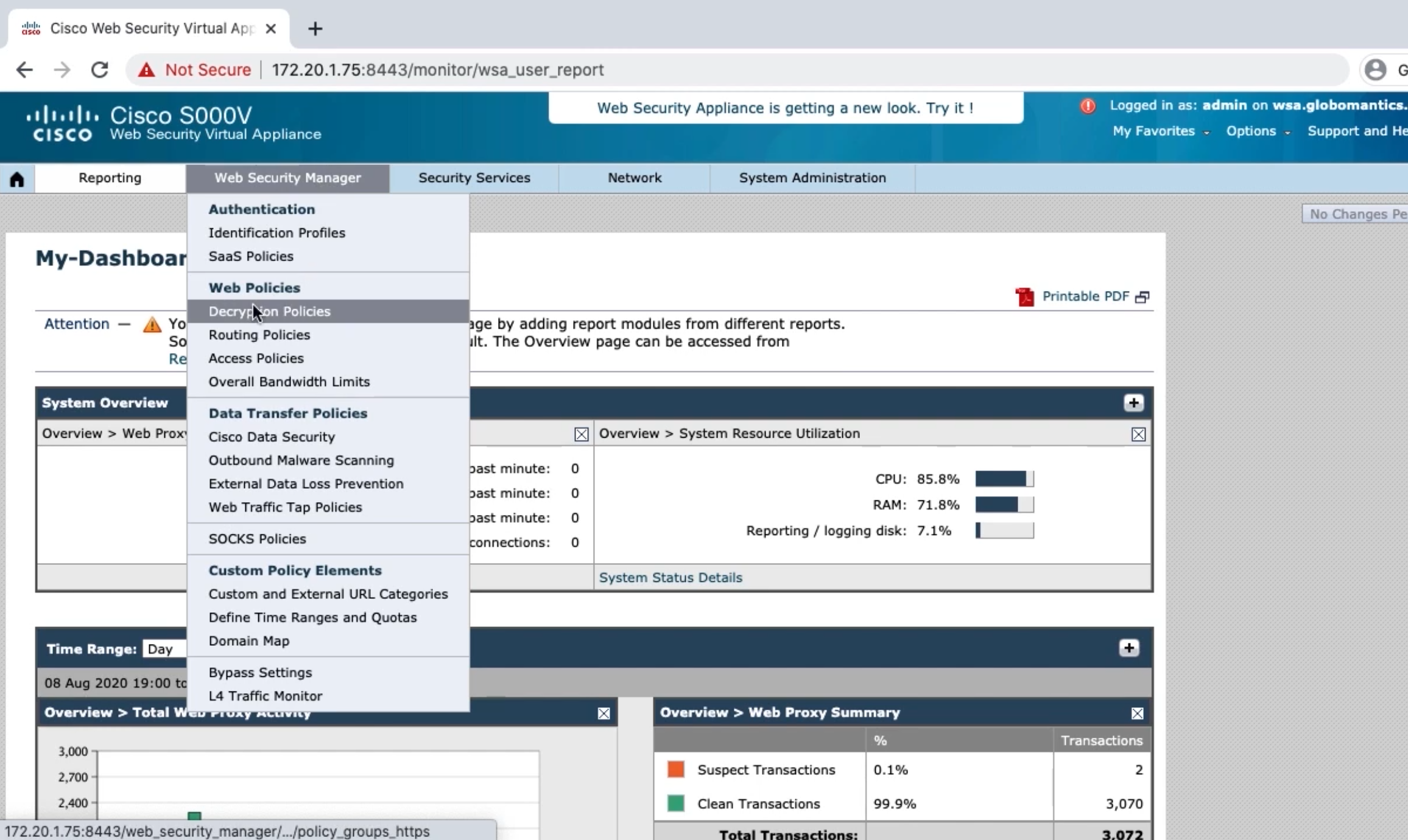
Configuring the WSA as a Secure Internet Gateway
Modifying the Global Access Policy
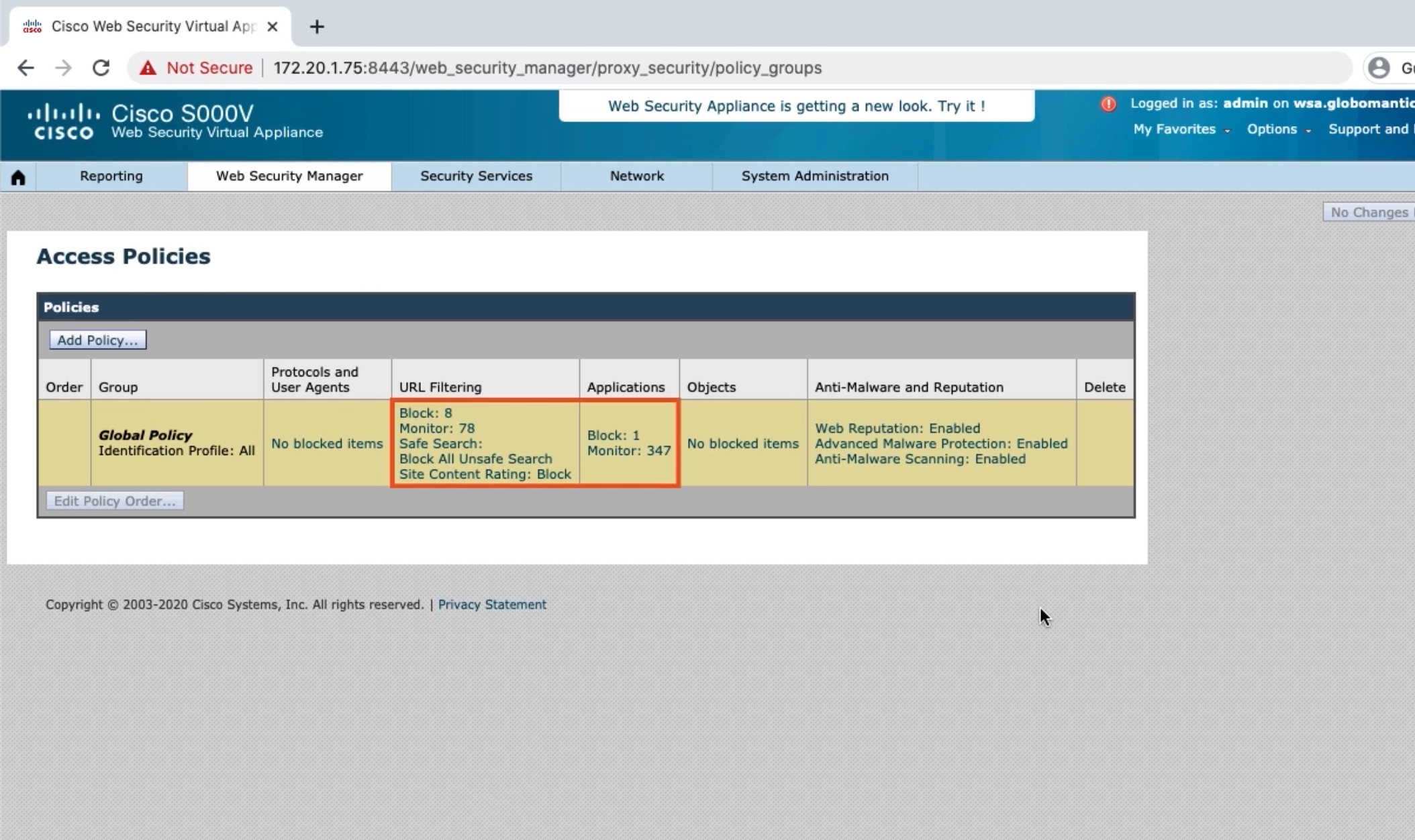
- Restrict URL categories
- Restrict Google Maps application
- Look at file types we can block
- Configure antimalware settings
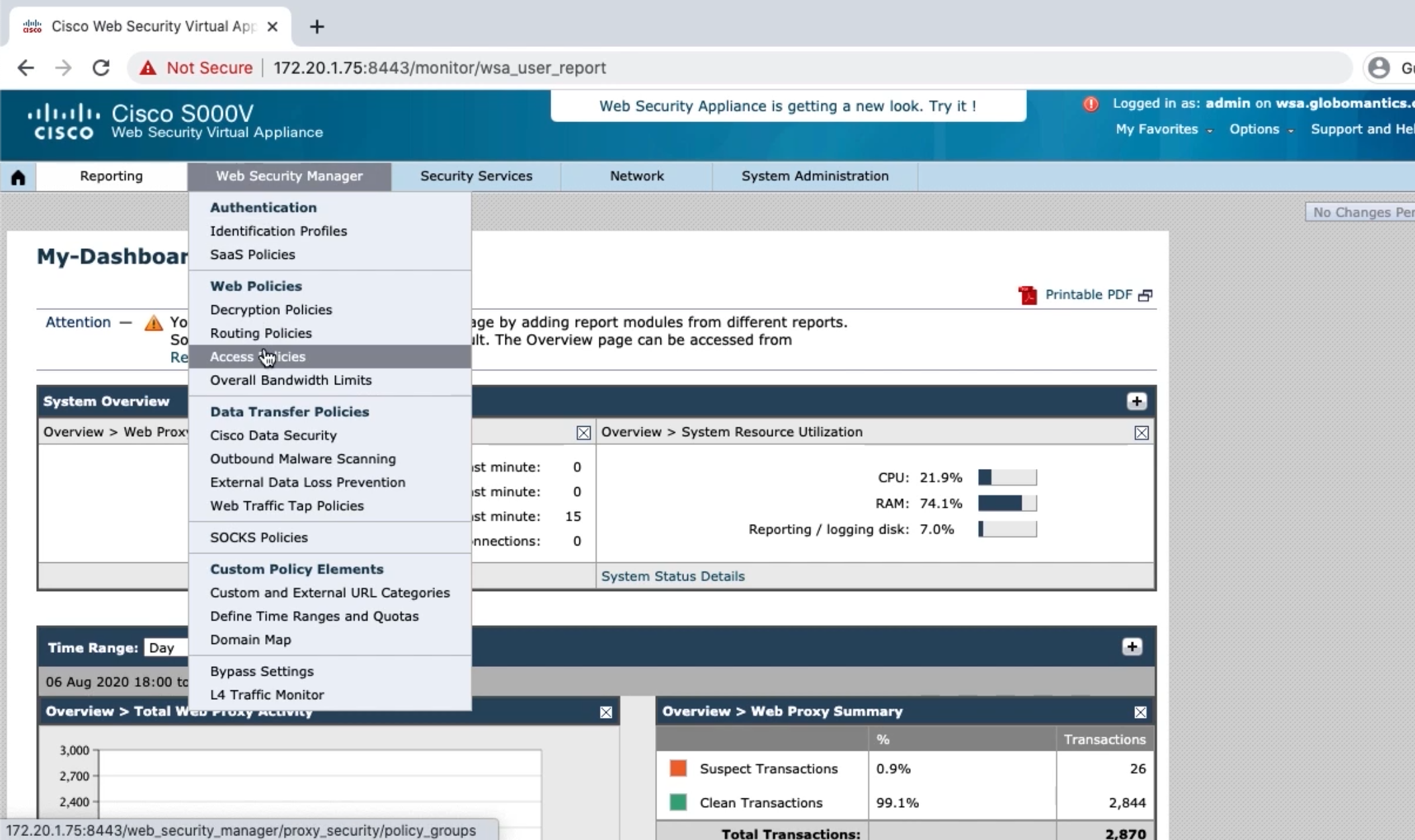
Creating an Exemption Access Policy
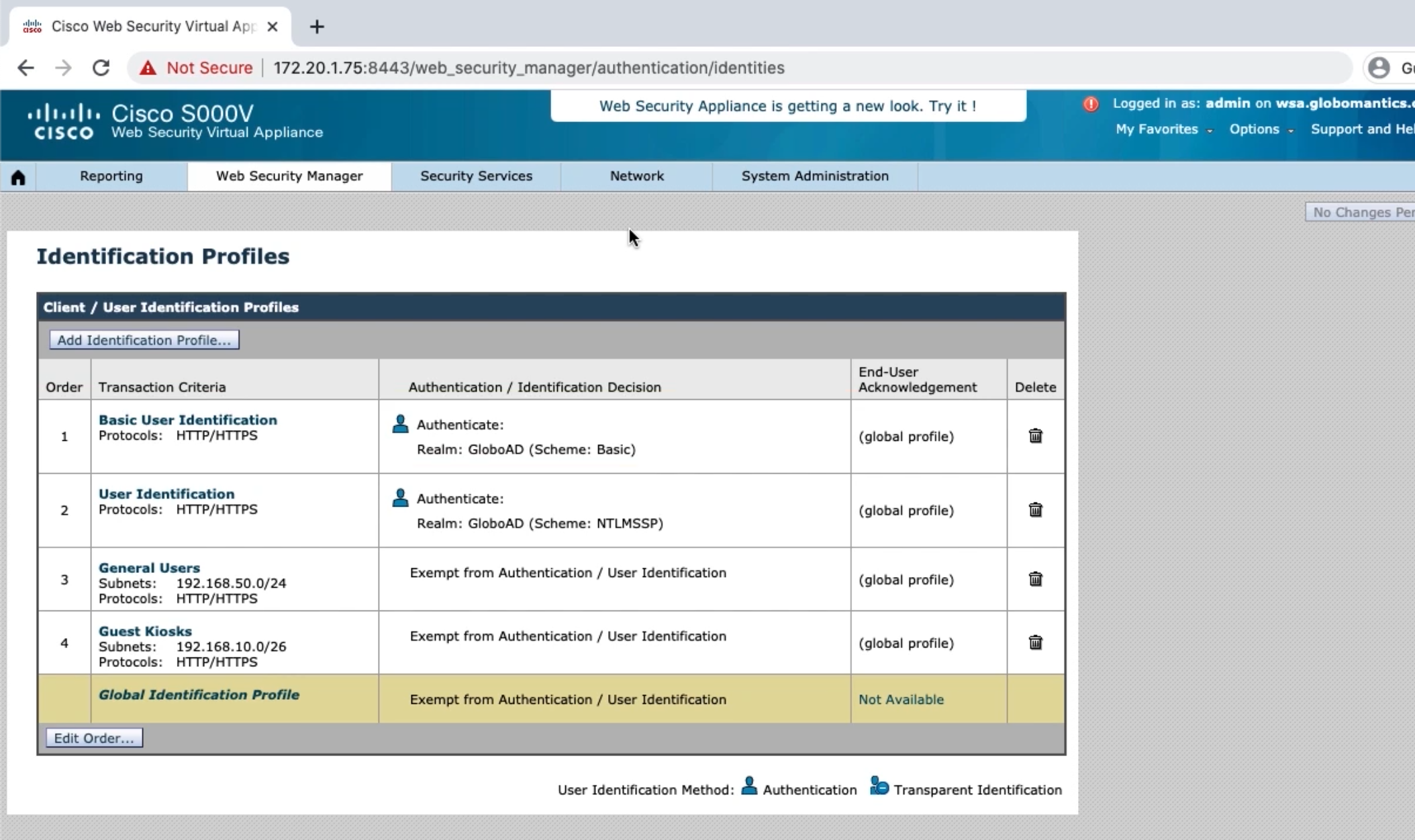
- Look at new identification profiles
- Create exemption policy for IT admins
Testing the WSA’s Access Policies
Decryption Policy Overview
- Client initiates TLS session with site
- WSA initiates TLS session with site on client’s behalf
- Site sends signed certificate to present to client
- WSA sends signed copy of site’s certificate
Configuring Certificates on the WSA
Self-Signed Certificates
- Certificates will need to be added to every endpoint
- Not scalable
Add Certificate to PKI
- Endpoints already trust certificates signed by CA
- More scalable
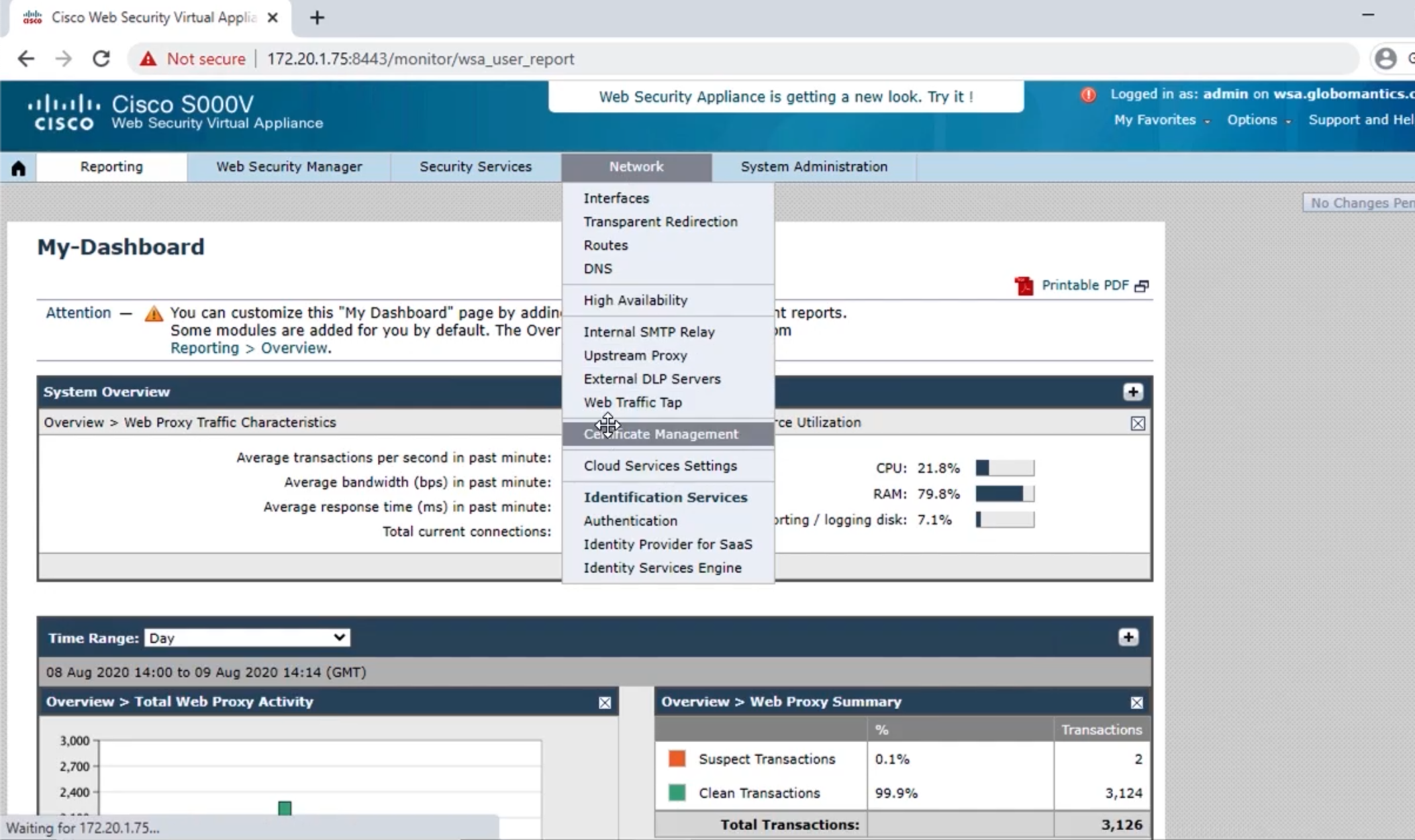
Installing Certificates on the WSA
- Install root certificate on WSA
- Create CSR and obtain cert
- Install certificate on WSA
Configuring Decryption Policies and Verifying