Configuring the ESA to Accept Email
Configuring Interfaces to Send and Receive Email
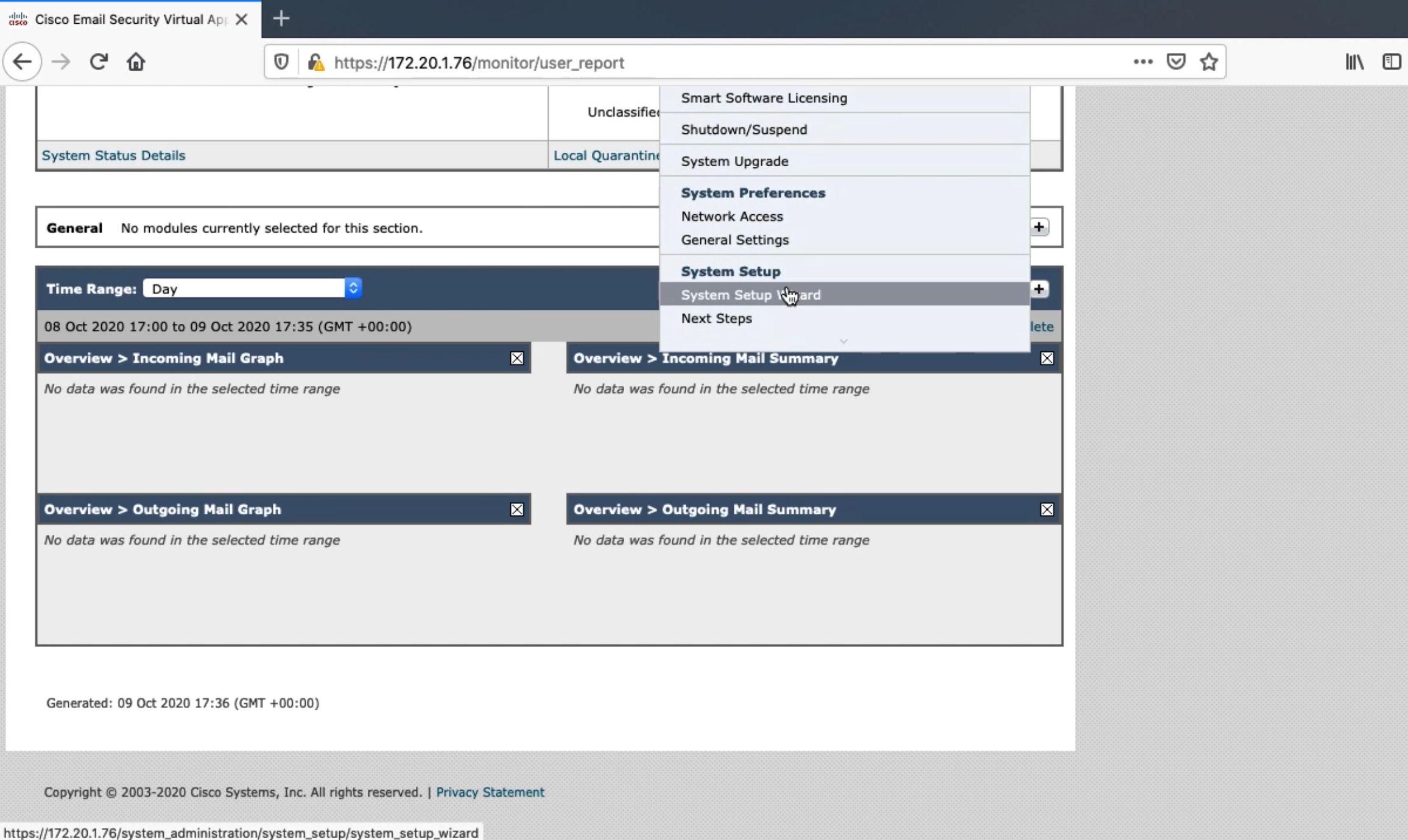
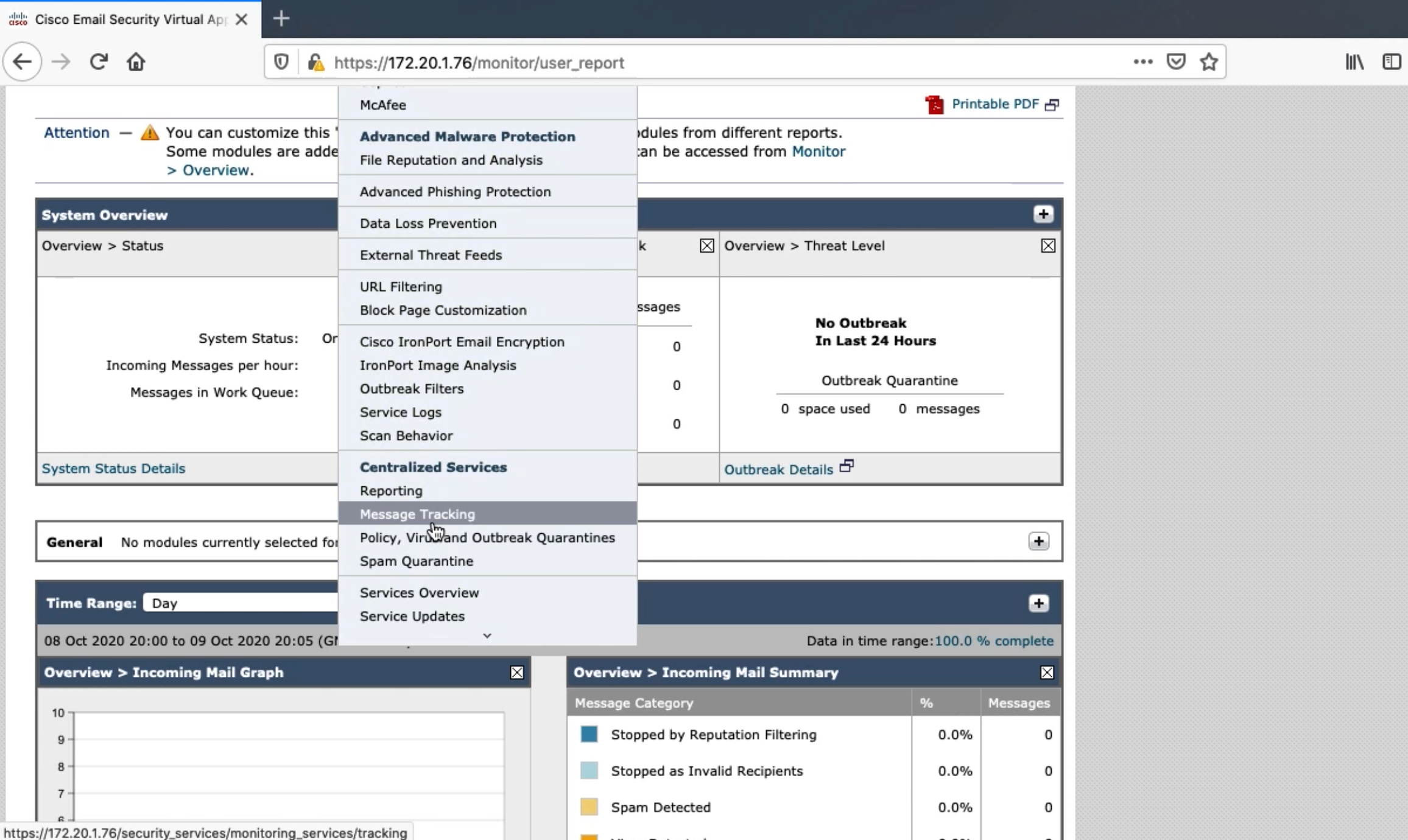
Listeners and Host Access Tables
Listeners
Listeners listen on the specified SMTP port for SMTP traffic
- Public Listener
- Receives emails that are from other organizations with your org as the recipient
- Public listener will only accept emails if the recipient domain is explicitly defined
- Private Listener
- Receives emails that are from your org with outside organizations as the recipient
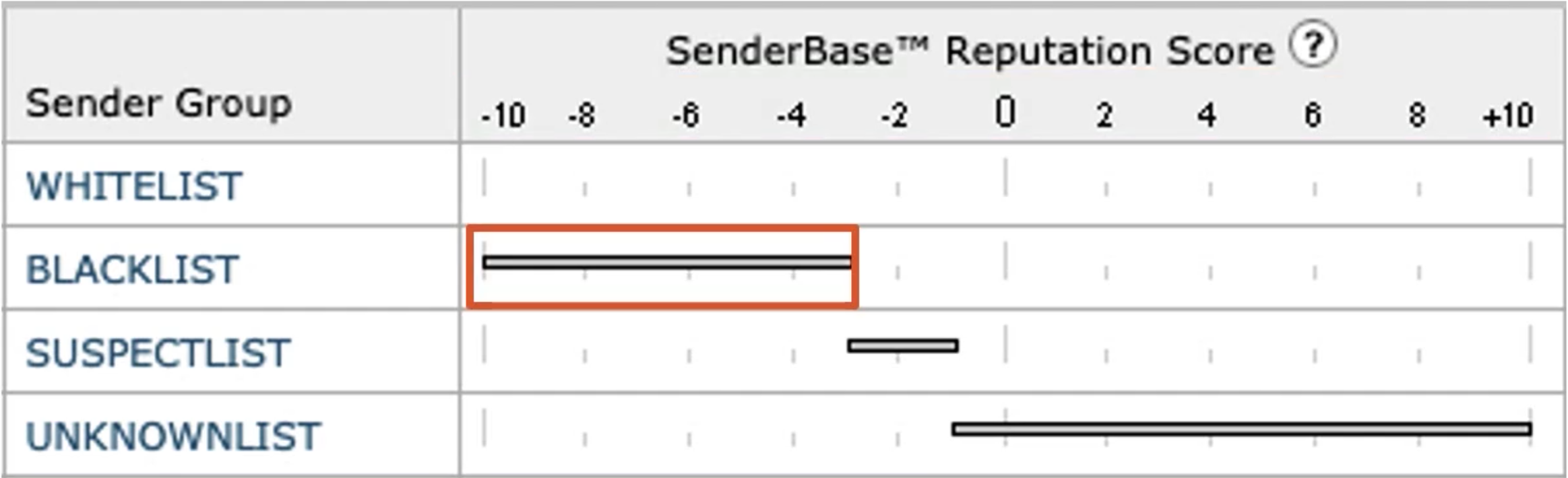
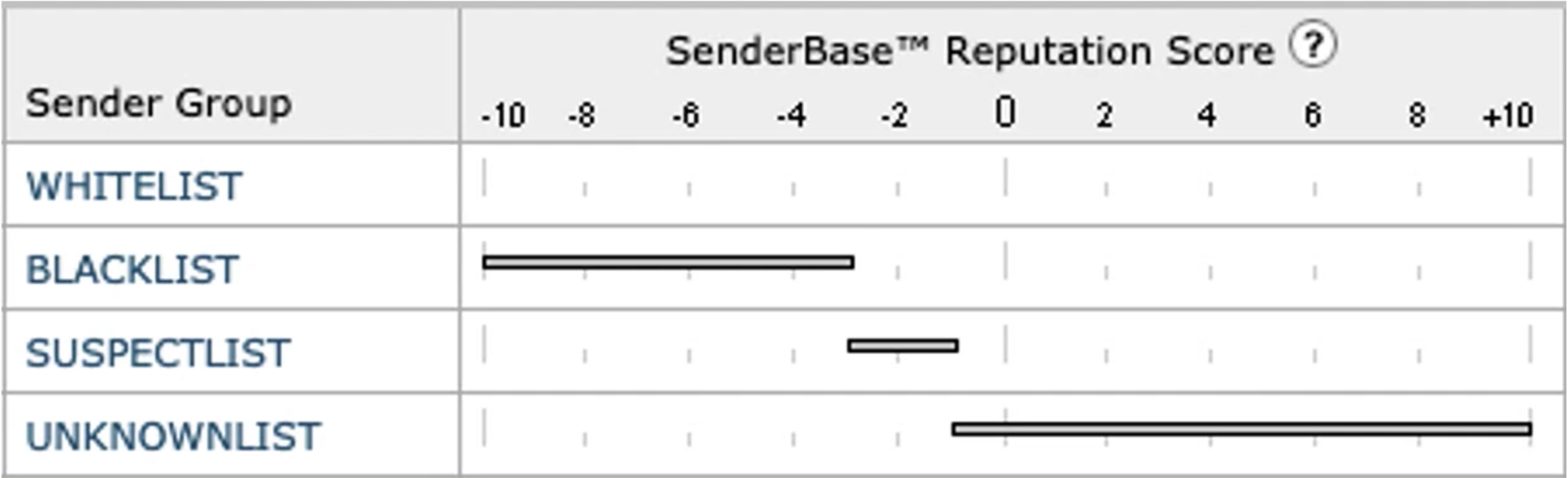
- Cisco sees over 300 billion emails daily
- Determine the likely hood that a sender is malicious or legitimate
- IP Address of mail server
- Reverse DNS lookup
- Determine network owner
- Organization controlling mail servers should be using IP space
SMTP Deep Dive
SMTP 3-Digit Codes
- 2 - Success - received, accepted and understood by the server
- 3 - Redirection - more information is required
- 4 - Temporary failure failure should be easily resolved
- 5 - Permanent failure - failure is unlikely to be resolved
SMTP Envelope
<< 220 email.carvedrock.com SMTP
>> HELO email.globomantics.com
<< 250 email.carvedrock.com
>> MAIL FROM <kinda@globomantics.com>
<< 250 sender kinda@globomantics.com> ok
>> RCPT TO: <angie@carvedrock.com>
<< 250 recipient <angie@carvedrock.com> ok
SMTP Headers
>> DATA
<< 354 go ahead
>> From: kinda <kinda@globomantics.com>
>> To: angie<angie@carvedrock.com>
>> Subject: Hello?
>> Date tue, 8 October 2019 21:28:30 -0800
X-headers can be used to send additional information in an email, but they are not required
SMTP Body
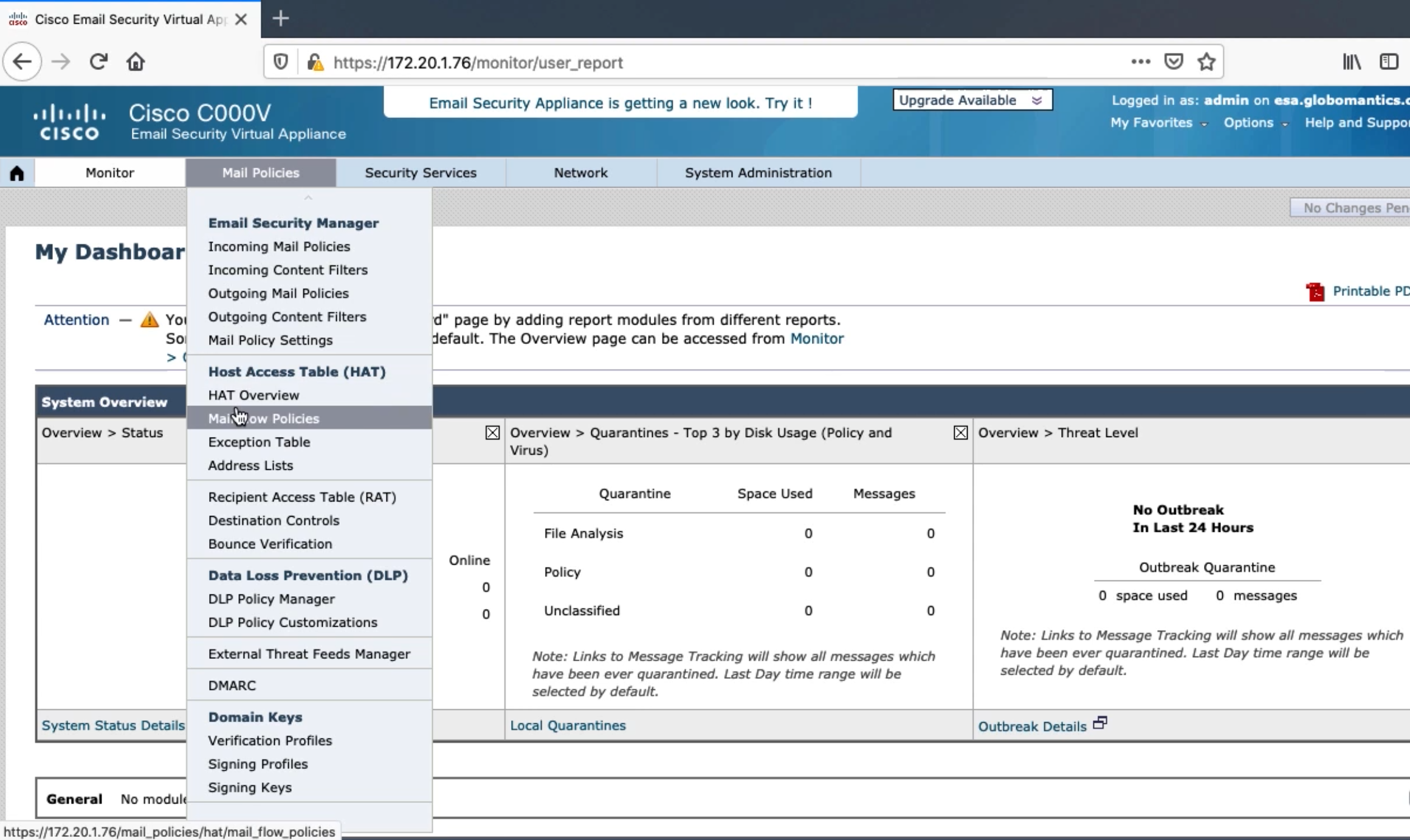
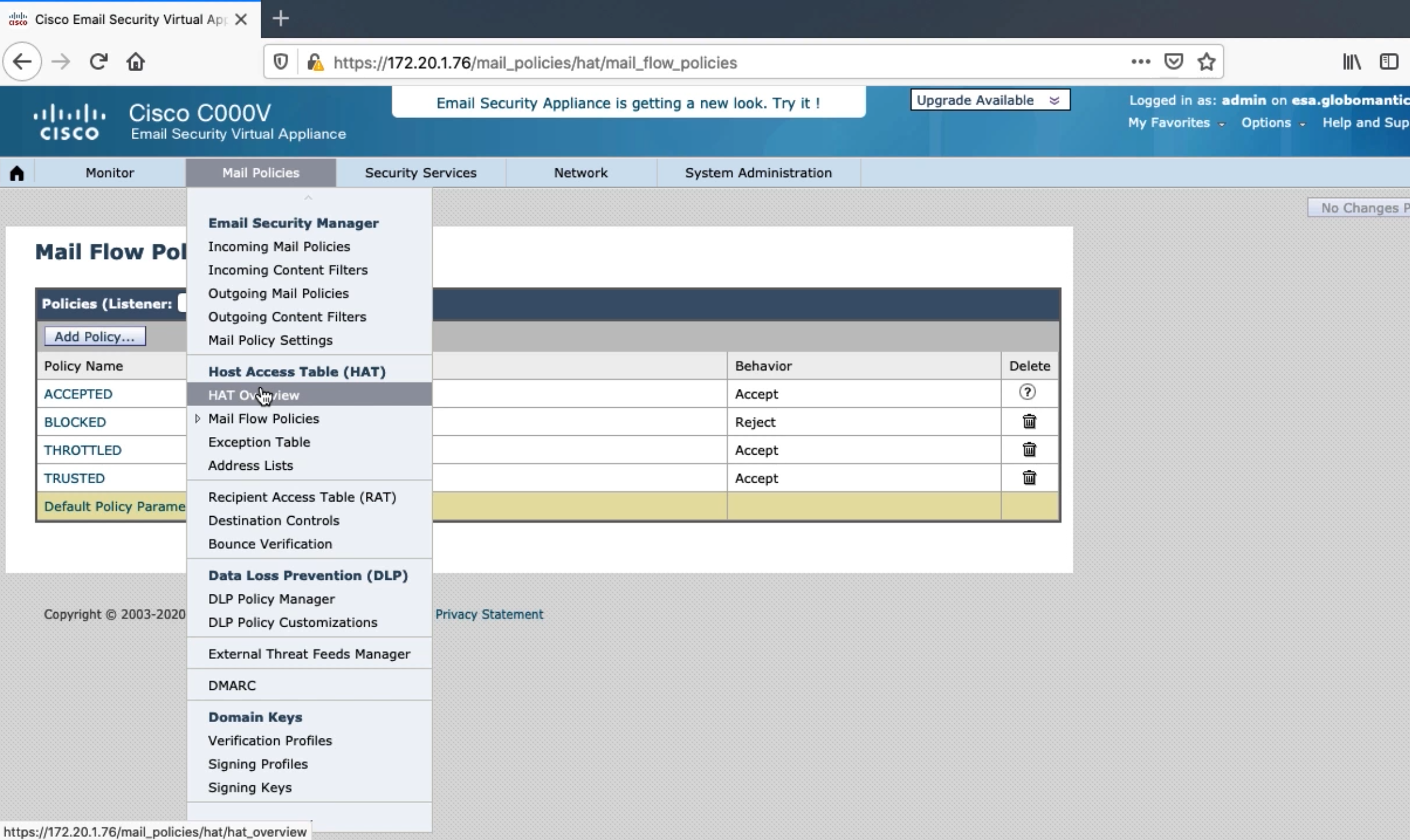
Mail Flow Policies
Mail Flow Policy Behaviors
- Relay - Used to forward outbound emails from Globomantics
- Relay is the only behavior that does not require an associated Recipient Access Table (RAT)
- Accept - Used to accept incoming email from senders
- Reject - SMTP connection is started, but 400 or 500 code is sent
- TCP Refuse - No SMTP connection, sender may continue to try again
- Continue - No definitive action, try to match another sender group
Integrating the ESA with LDAP and Recipient Access Table Deep Dive
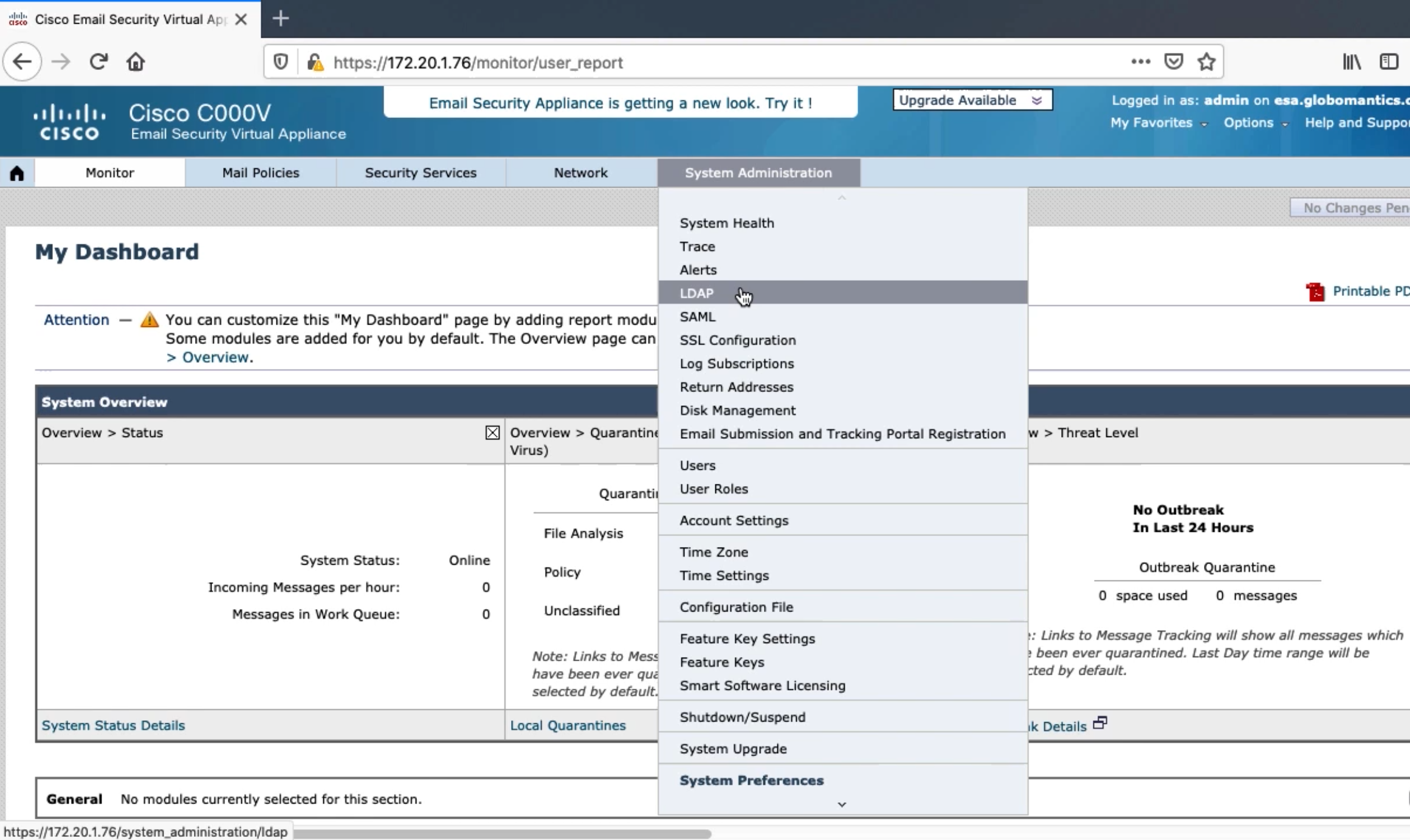
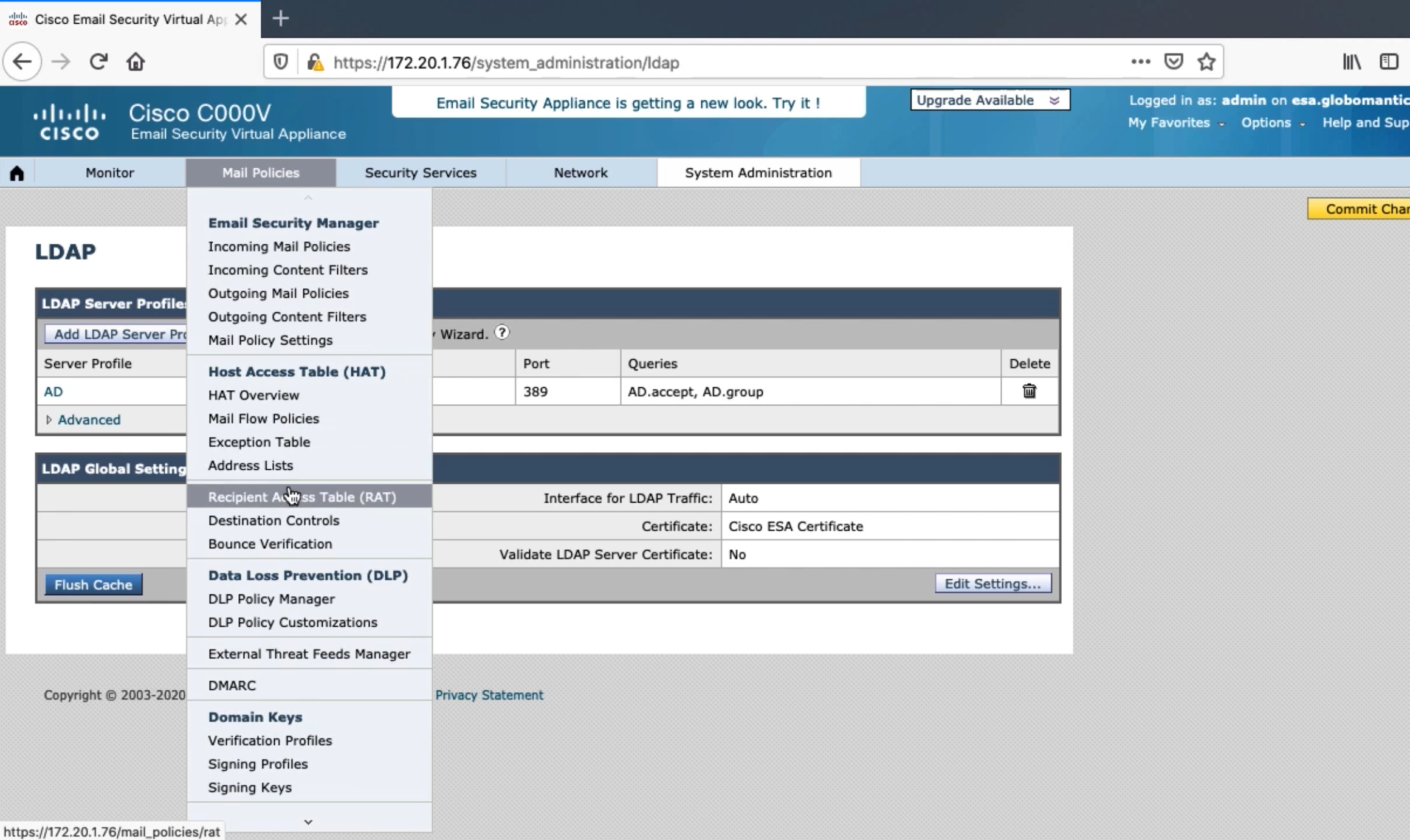
Integrating ESA with LDAP
- ESA will block emails if the recipient doesn’t exist
- Once LDAP is configured, by default all recipients will be verified
Place the more specific condition at the top, so it is matched before a more generalized condition